Offline Cruising: Best Apps for No-Signal Zones

Cruising off the grid can be one of the most rewarding parts of life on the water, but it also means navigating without a constant internet connection.
Luckily, there are a growing number of apps that work offline and help boaters stay safe, informed, and entertained when the signal drops.
Here’s a guide to our favorite tools for everything from charts to weather to entertainment.
Best Offline Charting Apps
Navionics Boating – Offers offline charts with the paid subscription. Make sure to download your region while you have Wi-Fi. Navionics includes advanced routing features, tide data, and sonar charts. You can also view AIS traffic if connected to a transponder.
Aqua Map – One of the most popular choices among Loopers and cruisers. You can download charts for entire regions and view them even with no internet. The app includes Army Corps of Engineers overlays, ActiveCaptain integration, and the ability to plan routes and view AIS traffic (if connected to a transponder or Wi-Fi).
iNavX – Geared toward sailors and supports a wide range of chart providers, including NOAA raster charts. Offline use is built-in after chart download.
Weather & Navigation Support
PredictWind Offshore – Download forecasts and GRIB files while you have internet (or via satellite) to use later while underway. Great for offshore planning or slower weather zones.
Windy – While not built specifically for offline use, you can cache forecast maps if you open them before heading out of range.
RiverApp – If you’re traveling inland rivers, you can save station data to reference offline.
Entertainment on the Go
Kindle or Libby – Download eBooks and audiobooks in advance to stay entertained during long anchorages or no-signal days. Libby connects to your local library system.
Spotify Premium / Audible – With a paid subscription, you can download playlists, podcasts, or audiobooks.
Netflix / Disney+ / Prime Video – Most streaming services allow offline downloads. Just be mindful of your device storage!
Communication Tools
Garmin inReach – Not an app, but worth a mention for its offline-friendly satellite messaging and location tracking if you’re out in the middle of the ocean.
Notes / Notion / Evernote – Use offline mode to draft logs, journal entries, or content. Your updates will sync when you reconnect.
Want to learn more about staying productive while cruising full-time?
Check out my book Remote Work Afloat for strategies, gear tips, and real-life examples.
Bonus Tips
Always check your apps before leaving port to ensure maps, books, or media are fully downloaded.
Enable offline or airplane mode to test your access.
Store screenshots of lock schedules, port info, or local maps in your Photos app as a backup.
We’d Love to Hear From You!
What are your go-to apps when cruising with no internet? Share your favorites with other boaters in the comments!
Want more of what you see here?
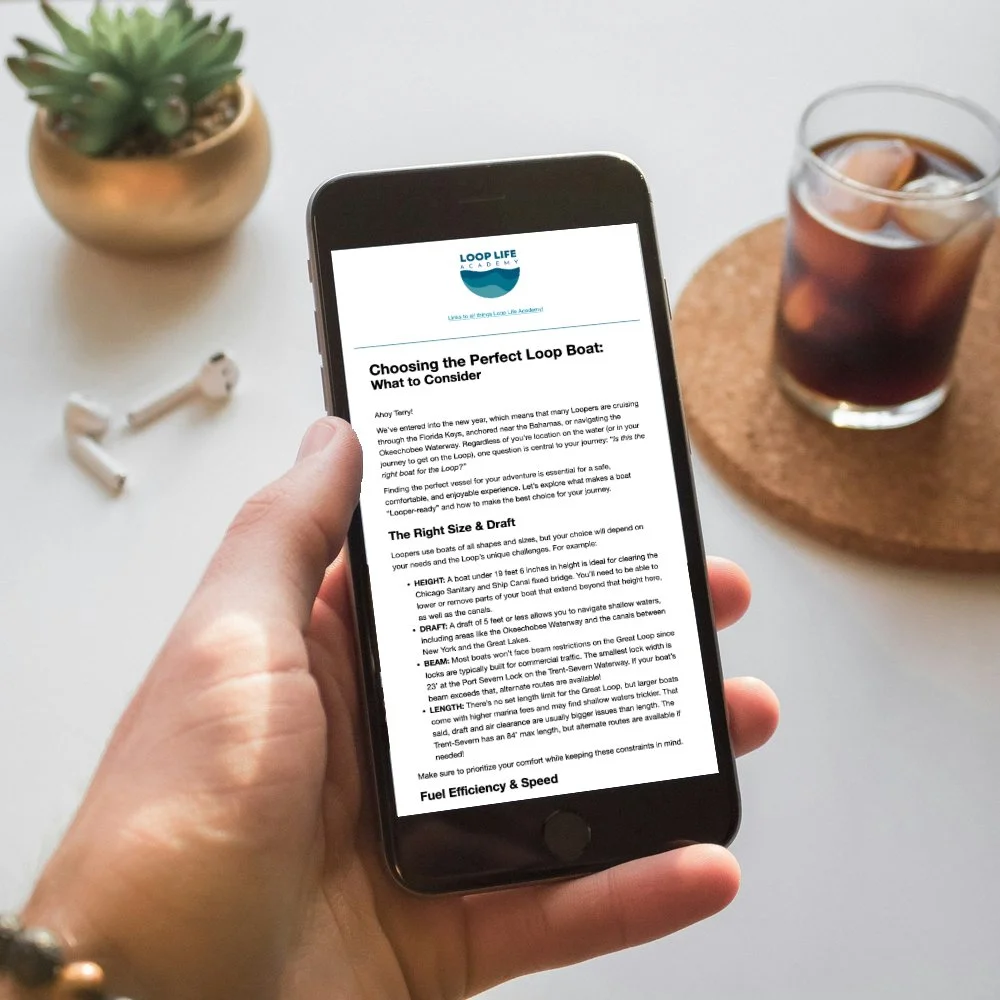
If you’re ready for more Great Loop insights, my weekly emails are just what you need!
Each week, you’ll get fresh tips, updates on new blog posts, videos, podcasts, and a chance to catch up on older content you might have missed.
Don’t miss out on practical advice and inspiration for your Loop journey!